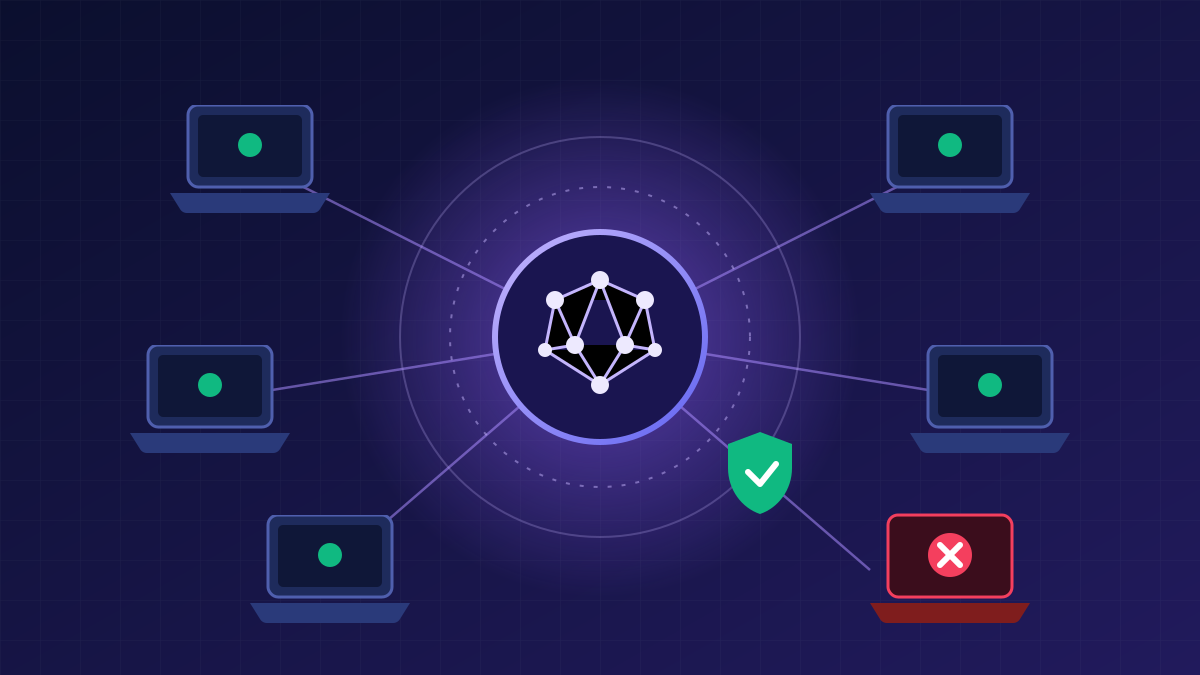
Classic corporate security resembled a medieval castle: strong walls (the firewall), a single bridge (the VPN) and complete trust in everyone already inside. The problem is that today there is no longer an “inside”. Employees work from home and from their phones, data lives in SaaS services and the cloud, and contractors connect from their own laptops. Steal one VPN password, and an attacker can move freely across the network.
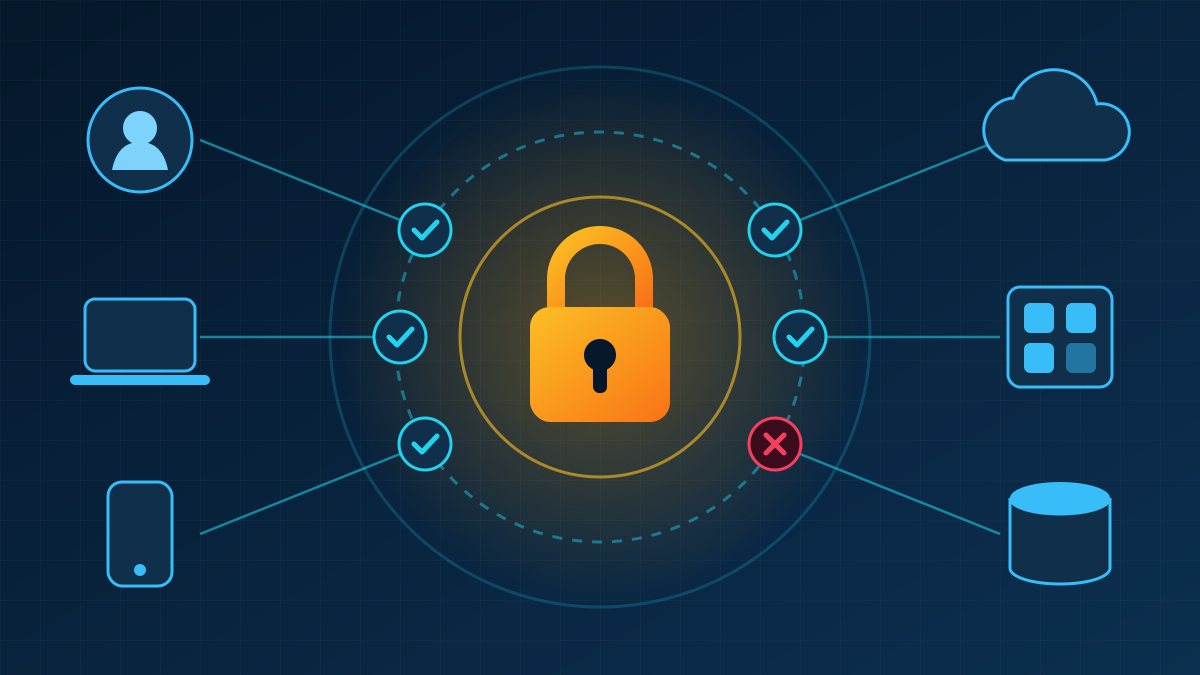
The Zero Trust model answers this with a simple principle: “never trust, always verify”. Access to each resource is granted only after verifying the identity, the device posture and the context of the request, and only to the extent that is genuinely needed.
The three principles of zero trust
- Verify explicitly. Every request is authenticated and authorised using all available signals: user, device, location, time and risk level.
- Least privilege. Users get access only to the applications they need, not to the whole network; administrative rights are granted temporarily.
- Assume breach. The architecture is designed as if an attacker is already inside: segmentation, encryption and continuous monitoring limit the blast radius.
These principles are set out in NIST SP 800-207, which has become the main reference for implementing Zero Trust in government and commercial organisations.
The role of each tool
Microsoft Entra ID: identity and conditional access
Entra ID (formerly Azure Active Directory) is the identity hub for organisations that use Microsoft 365. Its key mechanism is Conditional Access: policies such as “access to the finance system only from a managed device and with phishing-resistant MFA”. Entra ID Protection assesses sign-in risk (an unusual country, a leaked password), while Privileged Identity Management grants administrative roles only for a limited time and with approval.
Okta: an independent identity platform
Okta Workforce Identity is popular with companies running a mixed technology stack: thousands of pre-built integrations make it possible to set up single sign-on (SSO) for most SaaS services. Adaptive MFA asks for additional factors only when risk is elevated, Okta FastPass enables passwordless sign-in, and Lifecycle Management automatically creates and removes accounts when employees join or leave.
Cloudflare Zero Trust: secure access to applications and the internet
The Cloudflare One platform replaces the VPN. Cloudflare Access publishes internal applications through Cloudflare’s global network and lets a user in only after verification with the identity provider (Okta or Entra ID) and a device posture check. Cloudflare Gateway filters DNS and HTTP traffic, blocking phishing and malicious sites, while the WARP client protects an employee’s traffic wherever they work. Browser isolation, CASB and DLP are also available for data control.
A step-by-step implementation plan
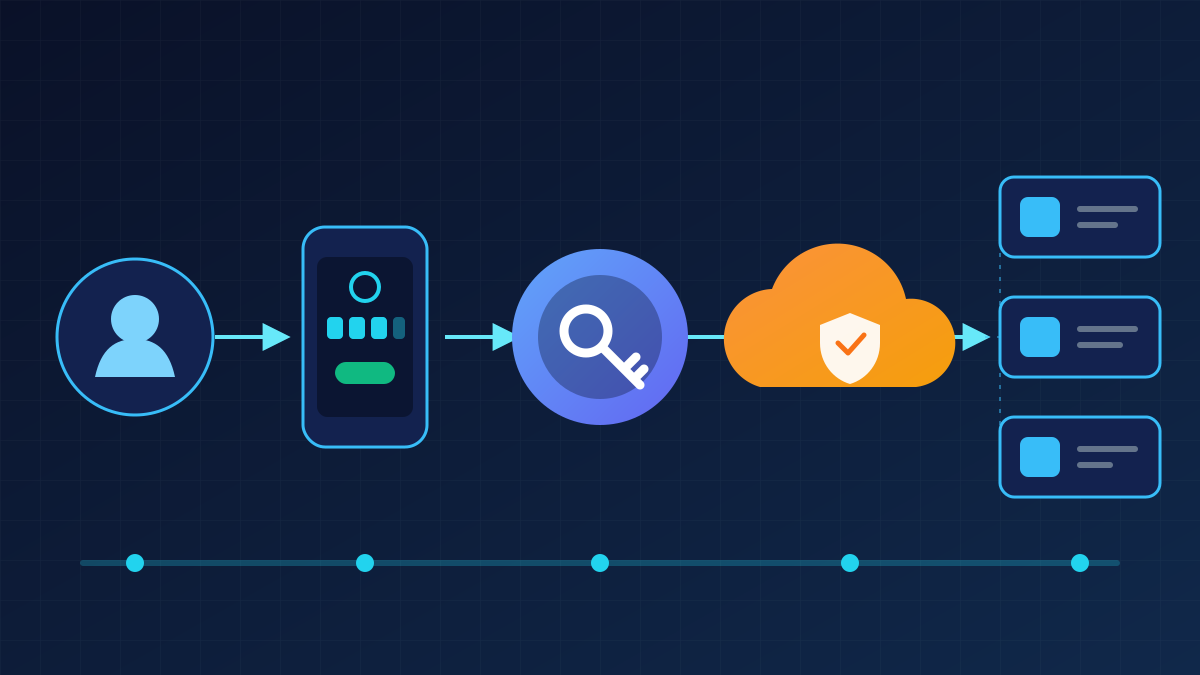
- Inventory. List your users, devices, applications and data. Identify the “crown jewels”: the systems whose compromise would cost the most.
- A single identity. Choose a primary identity provider (Entra ID or Okta) and move as many services as possible to SSO. Every separate password is a separate vulnerability.
- Phishing-resistant MFA. Replace SMS codes with FIDO2 keys/passkeys, Windows Hello for Business or Okta FastPass, starting with administrators and the finance team.
- Device posture. Connect device management (for example, Microsoft Intune) and feed signals about disk encryption, OS updates and EDR presence into access policies.
- Replace the VPN with ZTNA. Move applications behind Cloudflare Access gradually, starting with the least critical ones, to refine the process without risk to the business.
- Internet traffic filtering. Enable Cloudflare Gateway to block malicious domains and control downloads.
- Monitor and improve. Send sign-in and access logs to a SIEM, review permissions regularly and adjust policies.
Common mistakes
- Treating Zero Trust as a product you can “buy and switch on”. It is an architectural strategy that takes years to implement.
- Keeping the old VPN “just in case” with broad network access: it becomes a back door for attackers.
- Ignoring usability. If checks are irritating, employees will look for workarounds; adaptive authentication helps strike a balance.
- Forgetting about service accounts and API keys, which often have excessive privileges and no MFA.
Zero Trust does not mean distrusting people. It means trust is confirmed every time: automatically, invisibly for an honest user and insurmountably for an attacker with a stolen password.